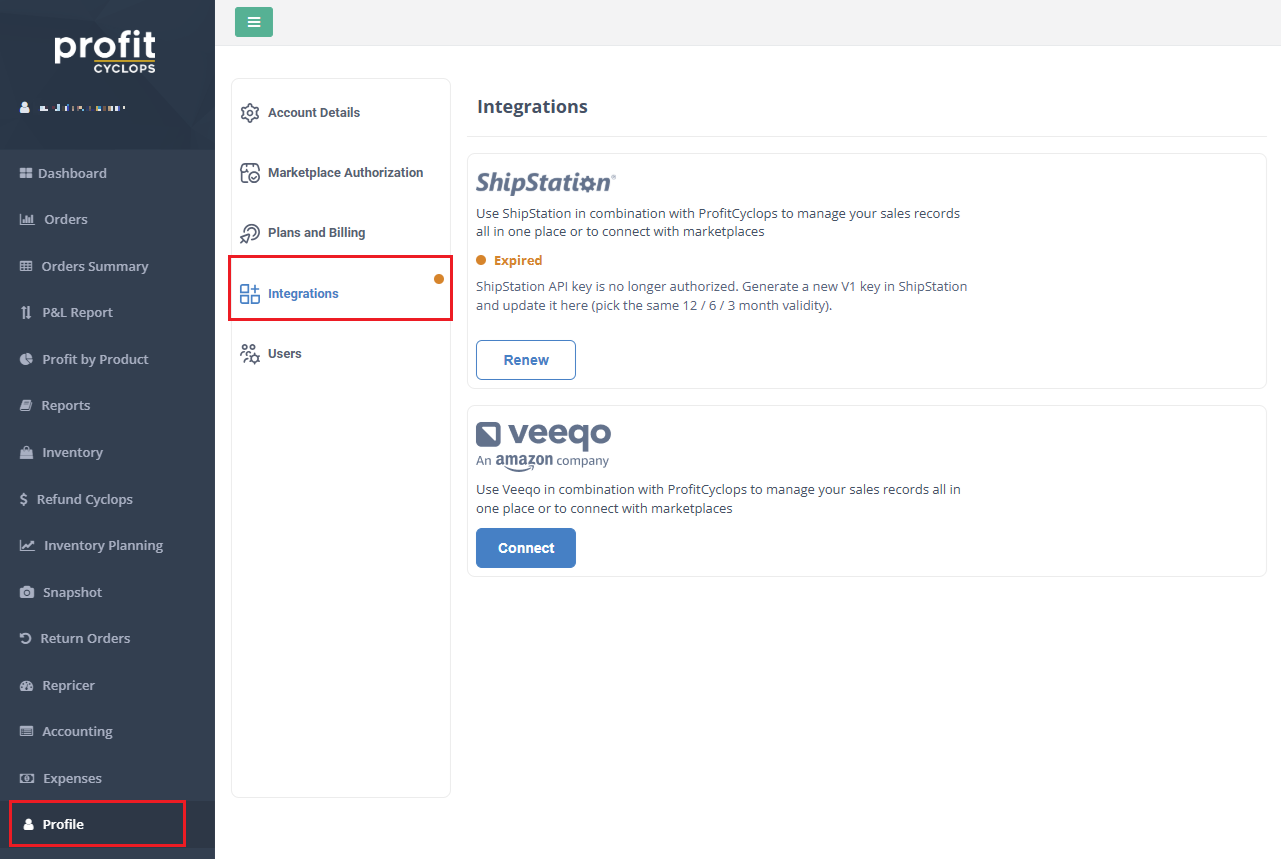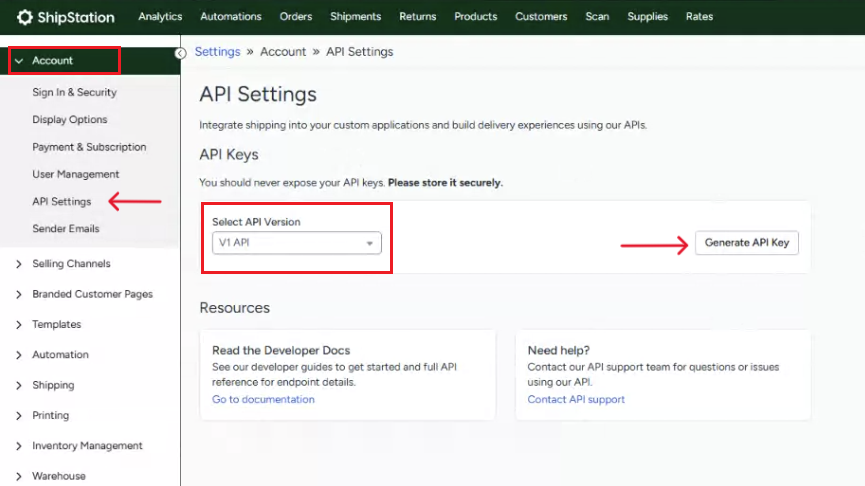
You'll need your ShipStation V1 API key and secret to integrate ShipStation with ProfitCyclops. In ShipStation, open Account in the left menu, then go to API Settings. Make sure V1 API is selected and click Generate API Key:
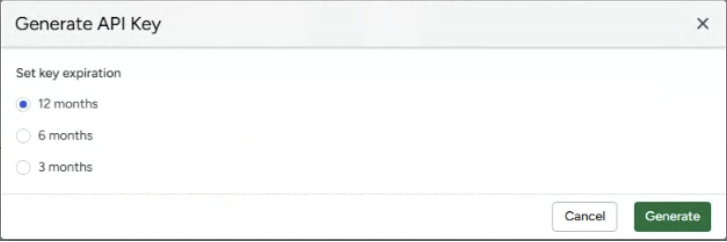
Choose how long the key should last in ShipStation: 12, 6, or 3 months. Pick the same option later in ProfitCyclops, then click Generate:
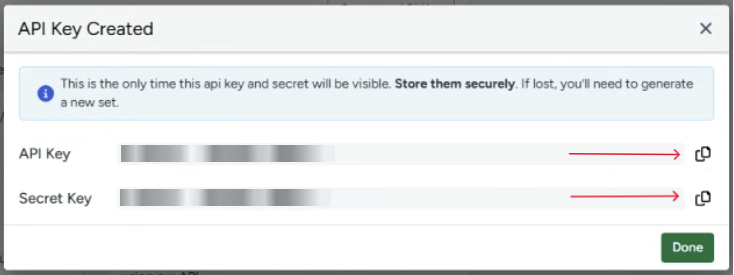
Copy the API Key and Secret Key — ShipStation shows them only once. Store them securely before closing the dialog:
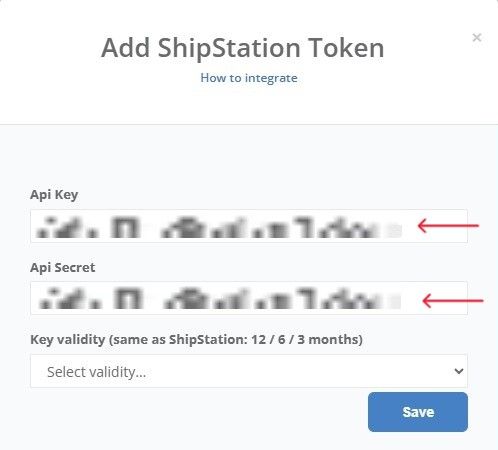
In ProfitCyclops, open Profile → Integrations and click Connect (or Renew / Edit if you already have a key). Paste your API Key and Api Secret, select the same validity (12 / 6 / 3 months) you chose in ShipStation, then click Save:
Once saved successfully, ProfitCyclops will pull shipping costs from ShipStation. If the key expires or is revoked, the Integrations tab will show Expired — generate a new V1 key in ShipStation and renew here with the same validity: